There are 3 ways to login to the CelcomDigi app.
Login via Mobile Number:
Steps | Guide |
Step 1: Enter your mobile number & select ‘Request OTP’ | 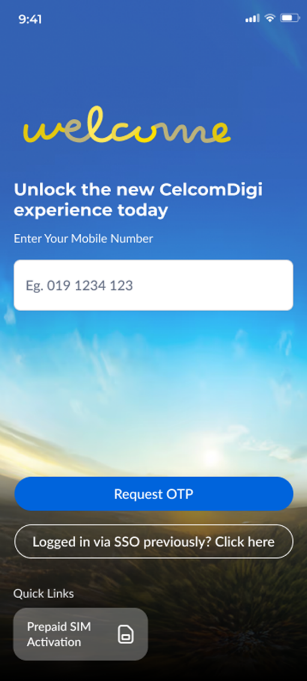 |
Step 2: You will receive an SMS with the OTP. Fill up the OTP and you’re done! | 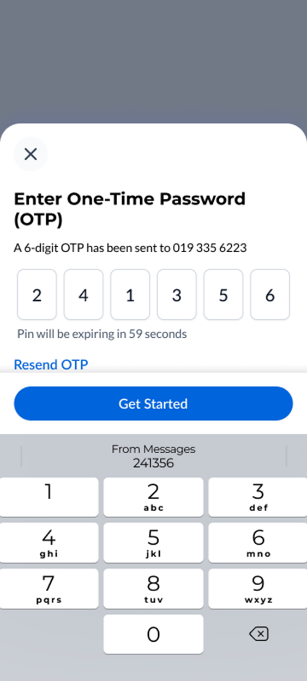 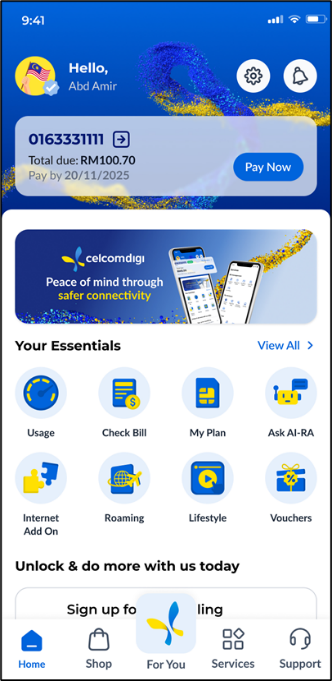 |
Login with your Social Media:
Steps | Guide |
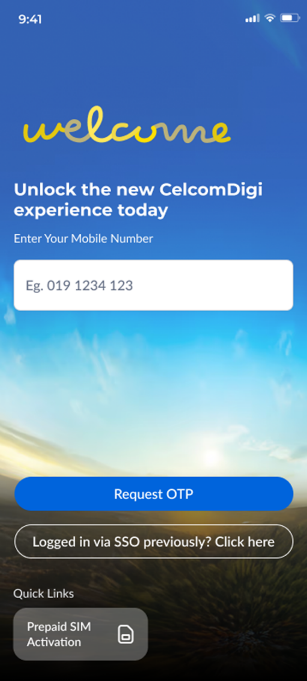
Step 1: Select the 'Logged in via SSO previously' button.
|  |
Step 2: Select which Social platforms you wish to login with. |  |
Step 3: For first time login, you will need to enter your mobile number. |  |
Step 3: An OTP will be sent via SMS to your mobile number. Fill up the OTP & you’re done! | 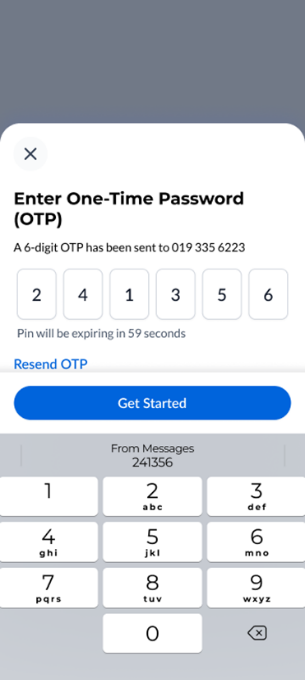  |
Login with your email:
Steps | Guide |
Step 1: Select the 'Logged in via SSO previously?' button. | 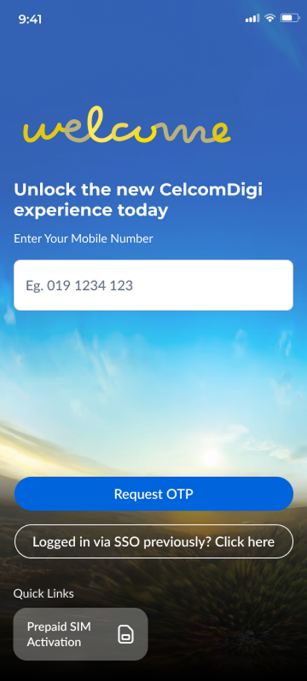 |
Step 2: Select continue via Email. |  |
Step 3: Enter your email & password and you’re done! | 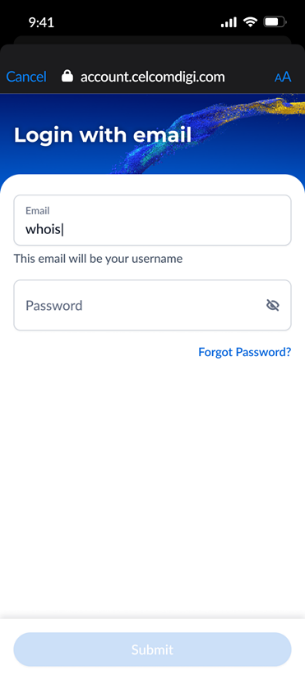 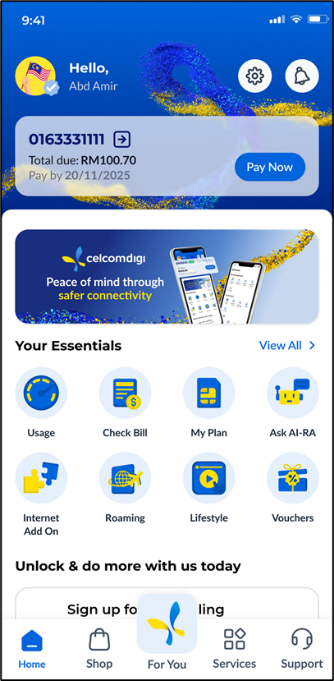 |
